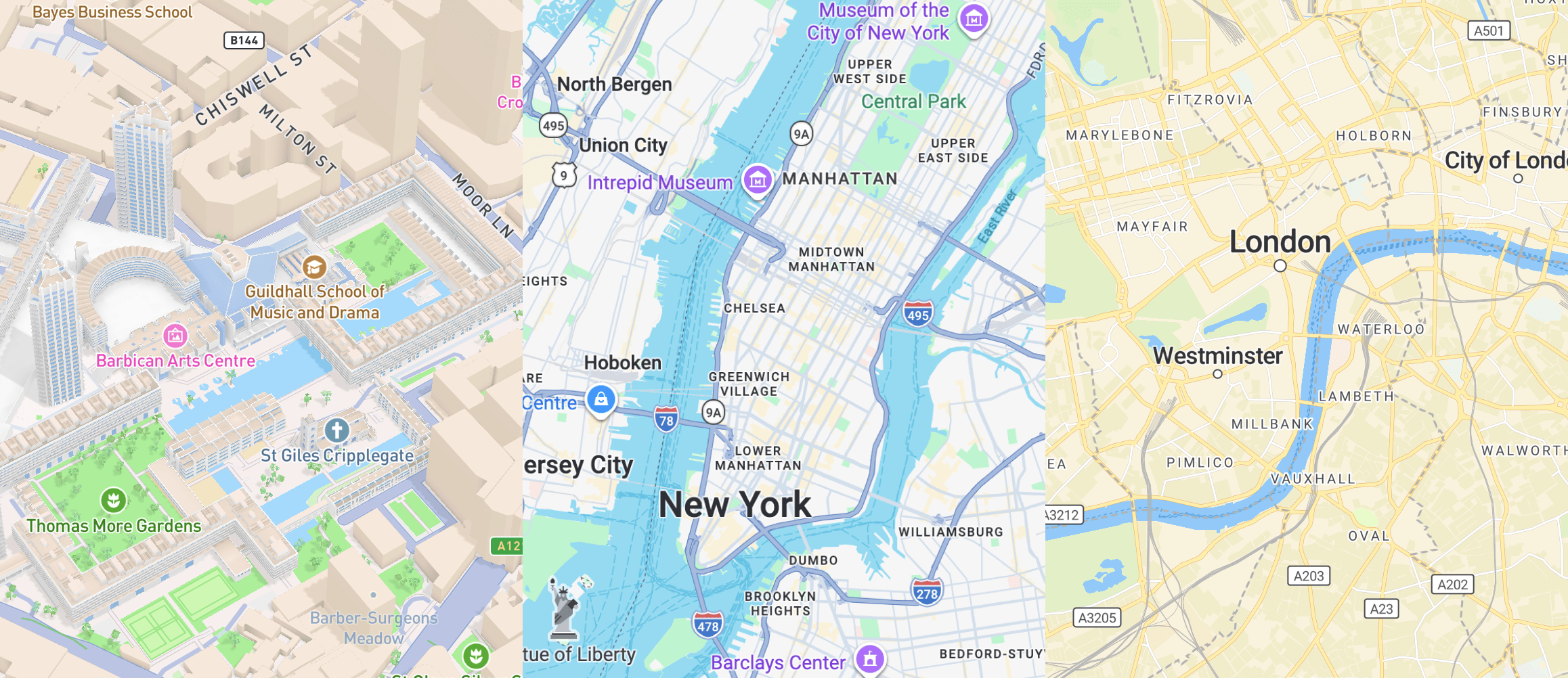
Adding maps to a WordPress website is no longer a simple decision. WordPress does not include built-in mapping functionality, so site owners and developers need to rely on third-party platforms, libraries, and plugins.
Some solutions are easier to set up and better suited for standard business websites, while others offer more flexibility for custom styling, advanced features, and complex interactive experiences. Pricing, plugin availability, ease of integration, and long-term flexibility can all influence the right choice.
In this guide, we’ll break the best WordPress mapping solutions into two main groups: mapping platforms and map libraries. We’ll explain how they differ and help you choose the right option for your website.
Mapping Platforms
Mapping platforms provide a complete map infrastructure, including map tiles, APIs, developer tools, and often additional services such as geocoding, search, routing, and custom styling. In WordPress, they are typically used through plugins or custom integrations, making them a practical choice for websites that need reliable map functionality with room to scale.
Google Maps
Google Maps is the default choice for many WordPress websites because it combines the largest plugin ecosystem with a full set of mapping services. It gives site owners access to basemaps, geocoding, place search, routing, Street View, and other location features without needing to assemble a custom stack from different providers.
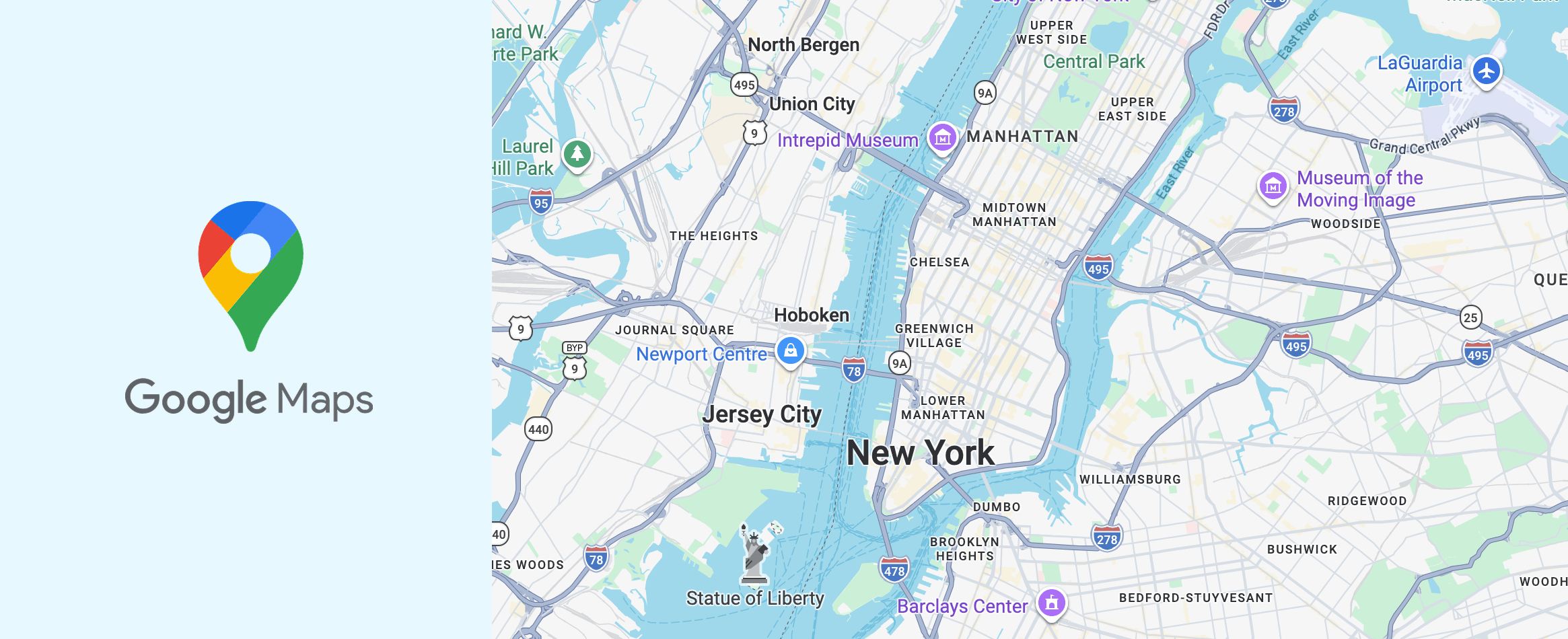
For a typical business website, Google Maps is often the fastest way to launch a simple map in WordPress. Most common use cases are already covered by existing plugins, so setup is usually straightforward. The tradeoff is that once a project needs more control over styling, behavior, or frontend integration, Google Maps starts to feel more restrictive than more customizable alternatives.
Quick Google Maps Overview
WordPress Integration
Strong plugin ecosystem with many ready-to-use solutions.
Customization
Medium to high, depending on the plugin or integration approach.
Custom Map Styling
Available, but generally more limited than developer-focused styling platforms.
Performance
Generally strong, but can vary based on plugin quality and implementation.
Map Data
Google’s own map tiles, data, and platform services.
Core Features
Maps, geocoding, place search, routing, navigation, and location-based services.
Developer Tools
Extensive APIs, SDKs, and documentation.
Pricing
Usage-based, with free monthly usage caps for many SKUs.
Mapbox
Mapbox is a mapping platform built for projects that need more control over map data, behavior, styling, and frontend integration than Google Maps usually offers out of the box. It includes basemaps, geocoding, search, navigation, and vector tile infrastructure, while also giving developers more freedom in how maps are configured and delivered inside a WordPress project.
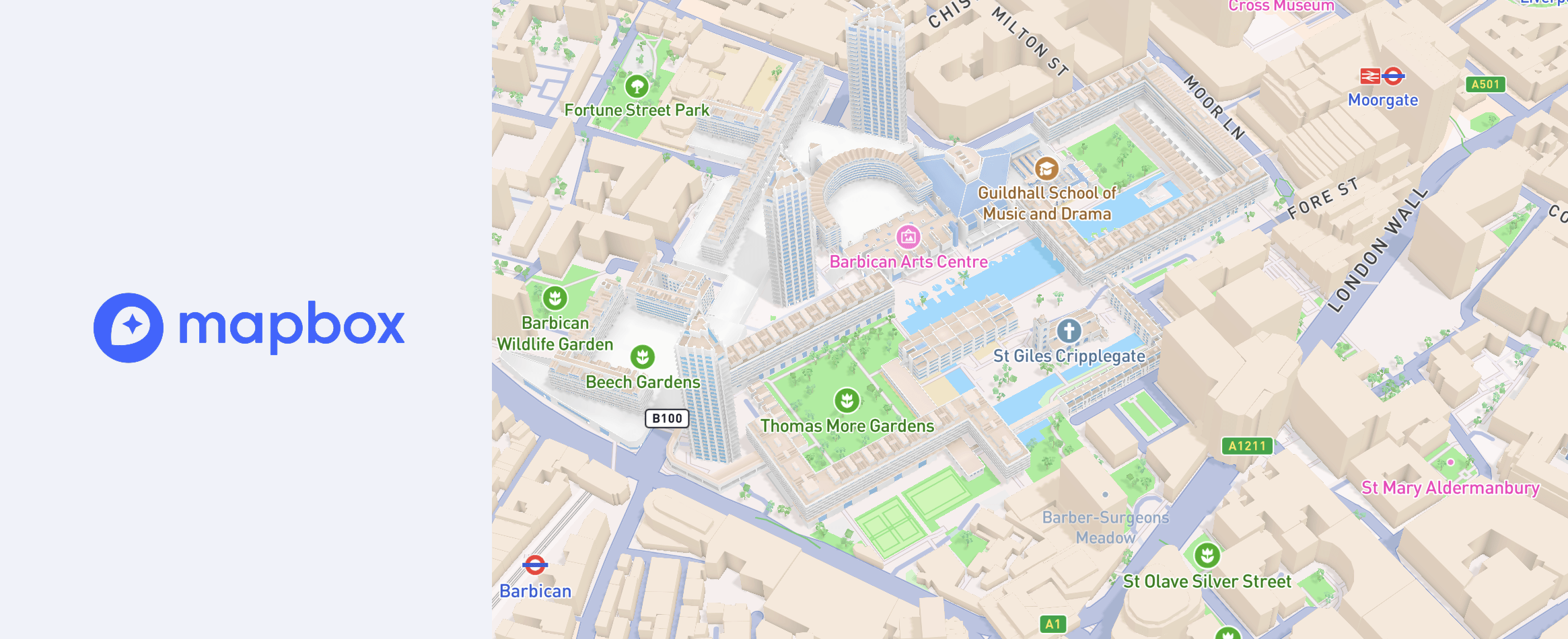
In WordPress, Mapbox often becomes the stronger option when a project needs more than a standard contact map. It usually takes more setup than Google Maps, but in return it gives more control over the final implementation and fewer limitations once the project grows. For custom directories, interactive map-based products, and more advanced location features, that extra flexibility can make it the more capable long-term choice. If you want to see what this looks like in a WordPress context, it is worth exploring the kinds of features available in modern Mapbox-based plugins such as Treweler.
Quick Mapbox Overview
WordPress Integration
Available through a smaller plugin ecosystem and custom integration paths.
Customization
High, with strong control over map appearance and behavior.
Custom Map Styling
Strong support for fully custom styles and branded map design, including styling workflows through Mapbox Studio.
Performance
Strong, especially in well-built custom implementations.
Map Data
Mapbox-hosted tiles, styles, and platform services powered by multiple data sources, including OpenStreetMap.
Core Features
Maps, geocoding, navigation, search, vector tiles, and advanced styling tools.
Developer Tools
Extensive APIs, SDKs, styling tools, and documentation.
Pricing
Usage-based, with a free tier available for many projects.
MapTiler
MapTiler is a mapping platform built around hosted tiles, geocoding, custom styles, and map delivery infrastructure. It is often used in projects that need modern vector maps, greater control over map services, and a more modular approach to how the map stack is assembled inside WordPress. In WordPress, it has a smaller plugin footprint than Google Maps or Mapbox, but it becomes much more relevant in projects that are built around custom styles, MapLibre compatibility, or a more flexible map setup.
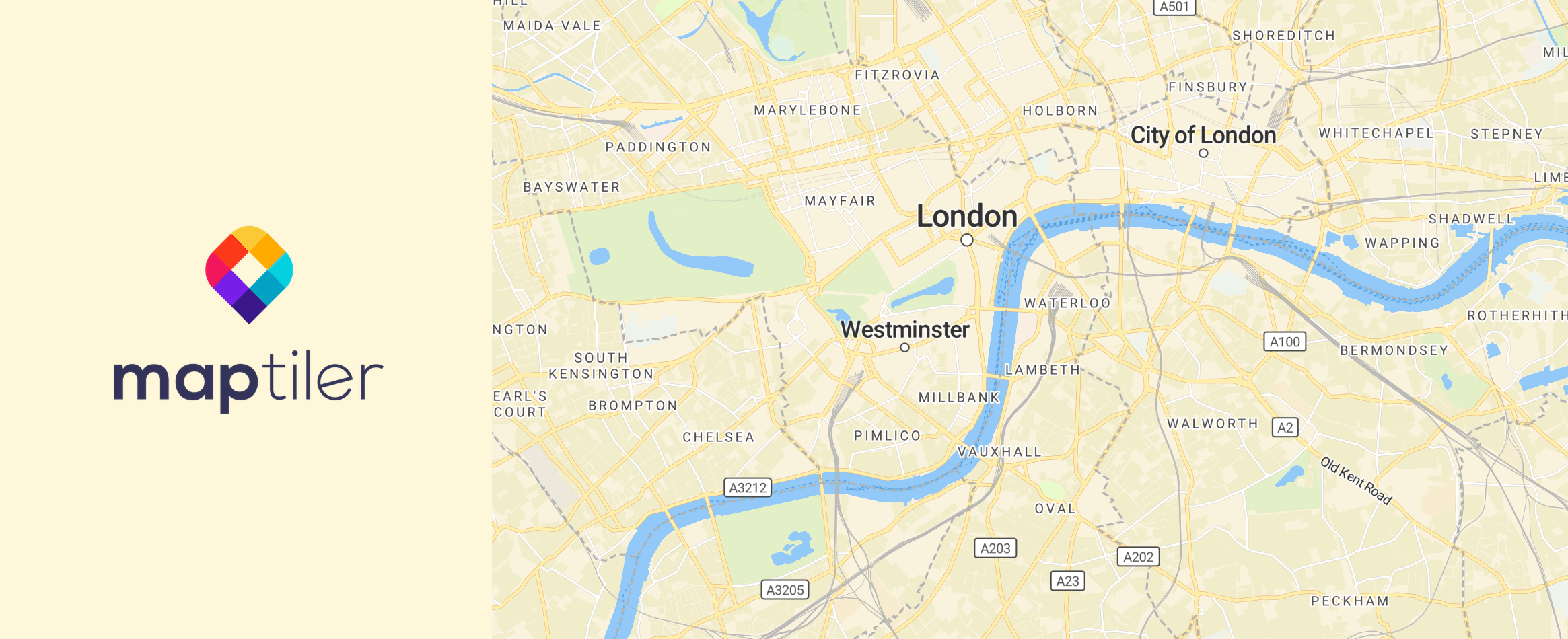
MapTiler is a practical choice when you want hosted map infrastructure without relying entirely on a large plugin ecosystem. It works especially well in WordPress setups that use MapLibre or a custom frontend implementation. While it requires a more deliberate setup than simple plug-and-play solutions, it gives more freedom in how tiles, styles, and related map services are configured over time.
Quick MapTiler Overview
WordPress Integration
Available through a smaller plugin ecosystem, MapLibre-based workflows, custom widgets, and manual integrations.
Customization
High, especially in projects built around custom styles and modern JavaScript-based map implementations.
Custom Map Styling
Strong support for branded maps and custom styles through MapTiler Map Designer and style.json-based workflows.
Performance
Strong, especially when used with vector tiles and modern frontend rendering libraries.
Map Data
MapTiler-hosted vector and raster tiles, styles, terrain, and platform services built from multiple data sources, including OpenStreetMap.
Core Features
Maps, custom styles, geocoding and search, static maps, vector and raster tiles, 3D terrain, and data hosting.
Developer Tools
Strong APIs, SDKs, code examples, and compatibility with MapLibre, Leaflet, and OpenLayers.
Pricing
Free for non-commercial use, with usage-based paid tiers for commercial projects and higher traffic.
Map Libraries
Unlike mapping platforms, map libraries do not usually provide their own full map infrastructure. Instead, they focus on how maps are rendered and customized, giving developers more control over styling, interactivity, and the overall user experience in WordPress.
Leaflet
Leaflet is one of the most widely used open-source libraries for interactive maps on the web. It is lightweight, stable, and well suited to common mapping tasks such as markers, popups, lines, polygons, and GeoJSON layers. In WordPress, Leaflet has one of the strongest plugin ecosystems among open-source mapping libraries, which makes it a practical option for websites that need more flexibility than a closed platform usually provides.
Leaflet works especially well for content-driven maps that do not require a highly complex rendering stack. It is a good fit for interactive maps with custom markers, popups, routes, and data overlays, and it is often easier to work with in WordPress than more advanced GIS-oriented libraries. Its main limitation is that more modern vector-style map experiences usually depend on additional tools or external providers rather than coming from Leaflet itself.
Quick Leaflet Overview
WordPress Integration
Strong plugin ecosystem, with mature dedicated plugins and many OpenStreetMap-based WordPress integrations.
Customization
High for interactive overlays, controls, and frontend behavior, especially in custom implementations.
Custom Map Styling
Flexible for overlays and UI behavior, but basemap styling depends largely on the tile or style provider you choose.
Performance
Good for standard interactive maps and content-driven use cases, though less optimized for heavy vector-first experiences than newer WebGL-based libraries.
Map Data
Provider-agnostic, commonly paired with OpenStreetMap and other raster, WMS, or hosted tile providers.
Core Features
Markers, popups, polylines, polygons, GeoJSON, WMS, custom controls, and interactive overlay layers.
Developer Tools
Mature API, extensive tutorials, broad community knowledge, and a large plugin ecosystem around common mapping patterns.
Pricing
Free and open-source, with costs depending on the tile, geocoding, and search providers you choose.
OpenLayers
OpenLayers is an open-source web mapping library built for more advanced interactive maps and data-rich geospatial applications. It supports raster and vector layers, vector tiles, GeoJSON, WMS, WMTS, custom projections, and other GIS-oriented capabilities that go beyond the needs of a simple location map. In WordPress, OpenLayers has a smaller and more plugin-assisted ecosystem than Leaflet, but it remains a strong option for projects that require more technical depth.
OpenLayers is most useful when the map is a core part of the website rather than just a supporting page element. It works well for projects that need multiple data sources, custom projections, detailed layer control, or more GIS-like functionality inside the frontend. That added capability also makes it a heavier and more technical choice, so it tends to fit best in WordPress projects where the map needs to do more than display basic location data.
Quick OpenLayers Overview
WordPress Integration
Available through a smaller plugin-assisted ecosystem and custom integration paths rather than a large native plugin marketplace.
Customization
High, especially for layer behavior, projections, feature interactions, and GIS-oriented interfaces.
Custom Map Styling
High for data layers and map rendering logic, although less approachable than styling-first tools built around branded basemap workflows.
Performance
Strong, particularly for vector tiles, large datasets, and more technically demanding map applications.
Map Data
Provider-agnostic, with support for OpenStreetMap, WMS, WMTS, vector tiles, GeoJSON, and other geospatial data sources.
Core Features
Raster and vector layers, vector tiles, GeoJSON, WMS/WMTS, projections, drawing tools, feature selection, and advanced layer controls.
Developer Tools
Extensive API, strong example library, and deep support for custom web mapping and GIS-heavy applications.
Pricing
Free and open-source, with costs determined by the map data, tile, search, and hosting services connected to it.
MapLibre
MapLibre is an open-source mapping library built for modern vector maps and GPU-accelerated rendering on the web. It is based on the MapLibre Style Spec and is designed for projects that need more control over styles, tiles, and map infrastructure without depending on a single commercial platform. In WordPress, MapLibre has a smaller but growing plugin ecosystem and is becoming a more practical option for projects that need modern interactive maps with a more open setup.
MapLibre is a strong choice for projects that want modern vector rendering and more freedom over how the map stack is assembled. It works especially well when the frontend is built around custom styles, hosted vector tiles, or a more modular infrastructure. That flexibility comes with more setup decisions, but it also makes MapLibre a better fit for WordPress projects where long-term control matters more than having the largest ready-made plugin ecosystem.
Quick MapLibre Overview
WordPress Integration
Available through a smaller but growing plugin ecosystem, including dedicated MapLibre-based plugins and custom integration paths.
Customization
High, with strong control over styles, layers, camera behavior, and modern interactive map experiences.
Custom Map Styling
Strong support for custom styles through the MapLibre Style Spec and compatible styling tools such as Maputnik.
Performance
Strong GPU-accelerated performance for vector maps, rich interactions, globe rendering, terrain, and other modern frontend map experiences.
Map Data
Provider-agnostic, commonly paired with MapTiler, Protomaps, self-hosted tiles, and other OpenStreetMap-based or commercial vector tile sources.
Core Features
Vector maps, custom styles, globe support, terrain, 3D extrusions, custom layers, and modern WebGL-based rendering.
Developer Tools
Active open-source ecosystem, solid documentation, style specification support, and a growing set of plugins and compatible tooling.
Pricing
Free and open-source, with costs depending on the tile, style, geocoding, hosting, and search providers you choose.
Other Map Solutions
There are also several other mapping solutions worth mentioning, including Maptive, MangoMap, CARTO, HERE, TomTom, and ArcGIS. These solutions can be powerful in the right context, but they are generally less practical for typical WordPress projects than the options covered in the main comparison.
The reason is not that they lack features. In fact, several of them are highly capable platforms with strong enterprise, GIS, or hosted-service functionality. The issue is that they usually have a much smaller WordPress footprint, fewer ready-to-use plugins, or a stronger reliance on custom integrations, embeds, and specialized workflows. For most WordPress users, that makes them more niche options rather than realistic default choices.
Conclusion
There is no single best mapping solution for every WordPress website. The right choice depends on how much flexibility you need, how important custom styling is, what kind of features your project requires, and how deeply the map needs to integrate with WordPress.
For some websites, a well-supported platform with a strong plugin ecosystem will be the most practical option. For others, a more flexible library or a modern styling-focused stack may be the better long-term choice. The key is to think beyond basic map display and choose a solution that matches both your current needs and the direction your project is likely to take over time.